How to redirect a Web3 domain to a Web2 website
You can redirect a minted Web3 domain to an existing Web2 URL by using the Forward Domain option in your domain records and browsing with Web3 Extension.
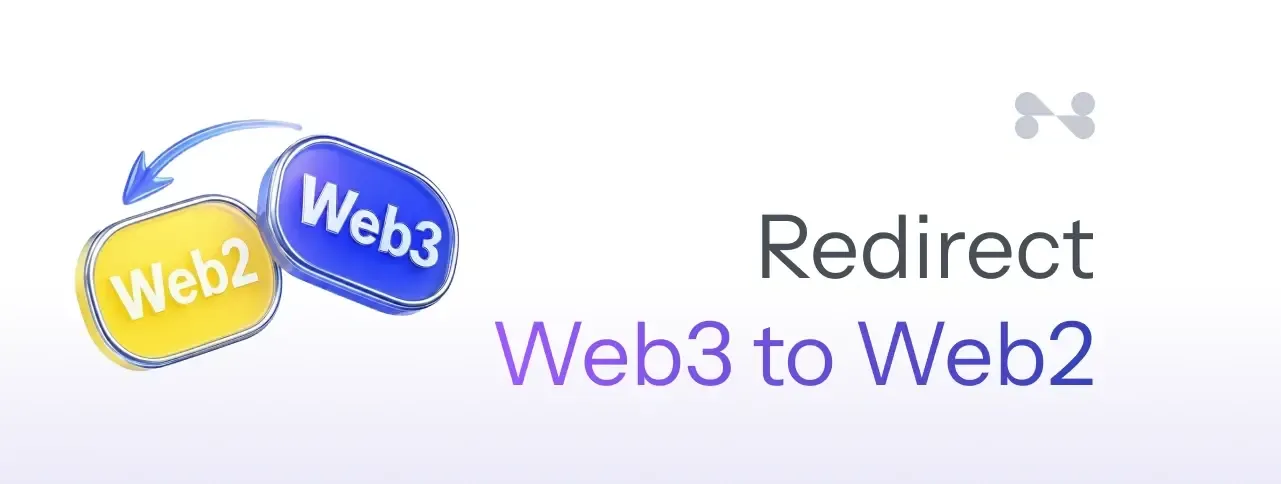
You can redirect a minted Web3 domain to an existing Web2 URL (for example a website on https://yourdomain.com/) by using the Forward Domain option in your domain records and browsing with the Freename Web3 Extension.
Redirecting a Web3 Domain to a Traditional Website
Requirements
- Your Web3 domain must be minted
- Install the Freename Web3 Extension on your browser:
Chrome / Brave:
https://chromewebstore.google.com/detail/freename-web3-extension/dadabjafkcoenclipjleokiadhjglkee?authuser=2&hl=en
Mozilla Firefox:
https://addons.mozilla.org/en-US/firefox/addon/freename-web3-extension/
Step-by-Step: Enable the Redirect
- Go to your Portfolio page:
https://freename.com/dashboard/user/portfolio/ - Find the Web3 domain you want to use, then click Manage.
- Open Records.
- Enable Forward Domain and enter the destination URL (example: https://google.com/).
Note: enabling Forward Domain will disable your root A record. - Click Save Forwarder and approve the change using the wallet that holds the Web3 domain.
- Wait for the update to apply (it can take up to 24 hours).
- Open the domain using the Freename Extension:
- Use the Extension’s Browse feature and search the Web3 domain, or
- In the browser where the Extension is active, type the Web3 domain in the address bar using http or with a final slash.

FAQ
1) Do I need the Freename Extension for redirects to work in browsers like Chrome or Brave?
Yes. The redirect is intended to work when browsing through the Freename Web3 Extension (Chrome/Brave) or the Firefox add-on.
2) My redirect is enabled, but it still opens the old destination (or doesn’t redirect).
What can I do?
First, wait a few hours to allow the update to apply. Then try:
- Closing and reopening the browser
- Testing in an incognito/private window
- Using the Extension Browse feature
- Typing the domain with http or with a final slash
3) After trying to apply the redirect, I see an error. What can I do?
Make sure MetaMask (or the wallet extension you use) is active and connected to the same wallet address and chain where the domain is held on Freename. Also verify that your wallet has enough balance to cover network fees on the chain you are using. For example, on Polygon, we recommend having at least 5 to 10 POL available for transactions. Additionally, try temporarily disabling other browser extensions (keep only your wallet extension enabled, for example MetaMask). If the issue persists, try a different browser or device. If you are still having difficulties, contact us at [email protected].
4) What happens to my A record when I enable Forward Domain?
Forward Domain disables your root A record.
5) I set the redirect and it still doesn’t work after 24 hours. What should I do?
Contact support at [email protected].